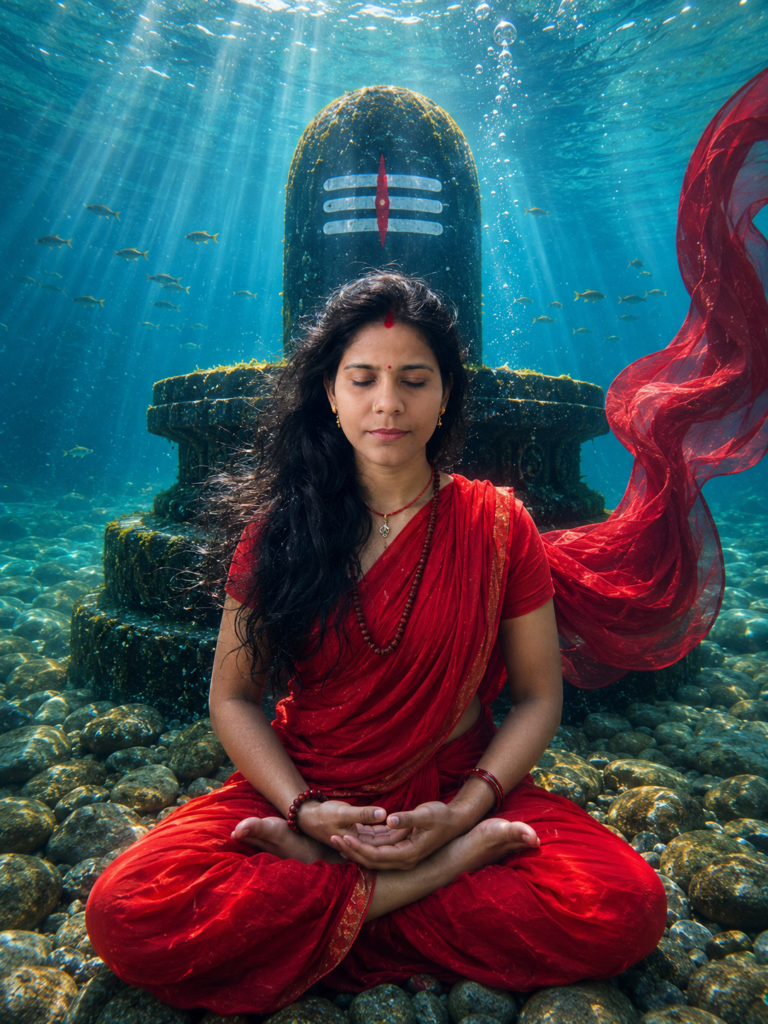
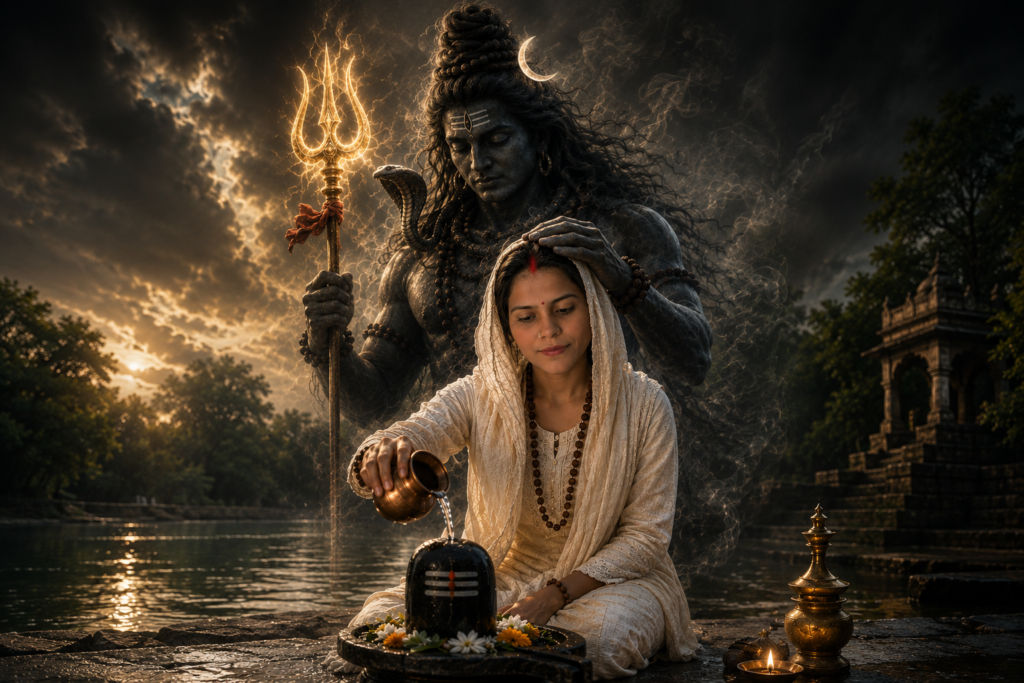
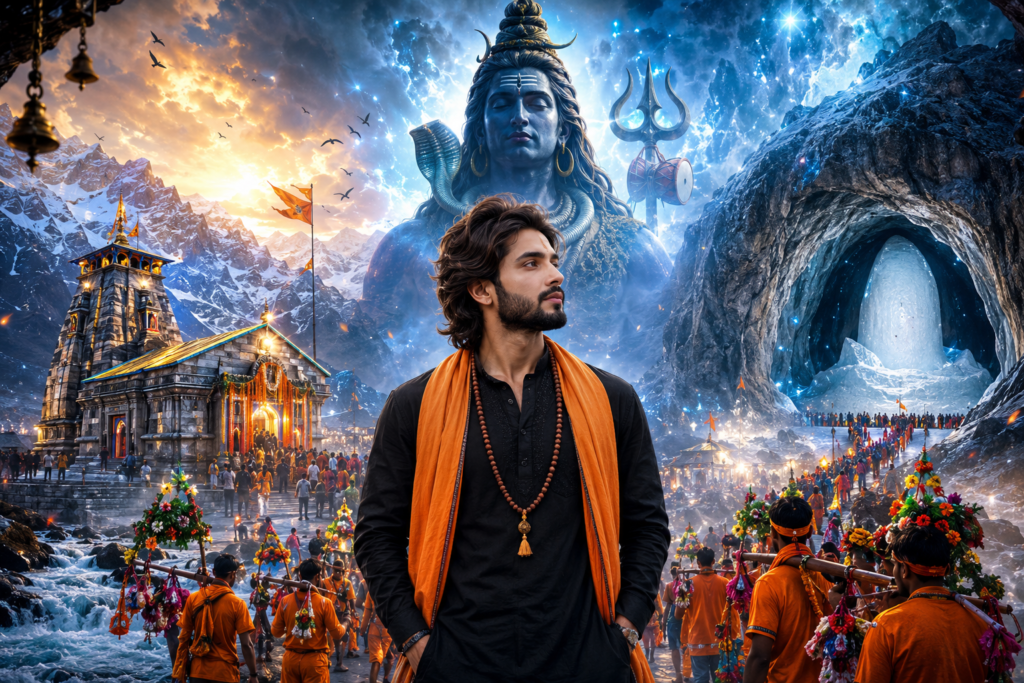
Sawan is a special time for Lord Shiva devotees. During this holy month, people visit temples, perform Jal Abhishek, and celebrate with devotion and faith. It’s also the time when many people like to update their profile pictures or share spiritual photos on Instagram, Pinterest, Facebook, and WhatsApp.
If you’ve been looking for unique Sawan AI photo prompts, you’re in the right place.
In this article, I’ve shared 5 carefully designed Sawan AI photo prompts that work with both ChatGPT and Google Gemini. These prompts are easy to use—just upload your photo, copy the prompt, and let the AI create a beautiful devotional image for you.
From peaceful Shiva temples and rainy Sawan vibes to cinematic lighting and modern spiritual portraits, each prompt is designed to create realistic, eye-catching images while keeping your face natural and recognizable.
Whether you want a photo for social media, a wallpaper, or simply want to celebrate Sawan in a creative way, these prompts will help you create stunning AI images in just a few moments. Give them a try and see which style matches your personality the best.
How to Use These Sawan AI Photo Prompts
Don’t worry if you’ve never used AI image generators before. These prompts are very easy to use, and you’ll have your Sawan-themed photo ready in just a few minutes.
First, choose any prompt you like from this collection. Then open ChatGPT or Google Gemini and start a new chat. Upload a clear photo of yourself—preferably one taken in good lighting where your face is clearly visible.
Once your photo is uploaded, simply copy the prompt from this article and paste it into the chat. Ask the AI to generate the image, and within a few moments, you’ll receive your Sawan-inspired portrait.
If the first result isn’t exactly what you imagined, don’t worry. AI images often improve with small changes. You can regenerate the image or edit a few details in the prompt, such as the outfit, background, lighting, or camera angle, until you’re happy with the final result.
Tip: A clear, high-quality photo without heavy filters usually gives the best results and helps the AI keep your face looking natural and recognizable.
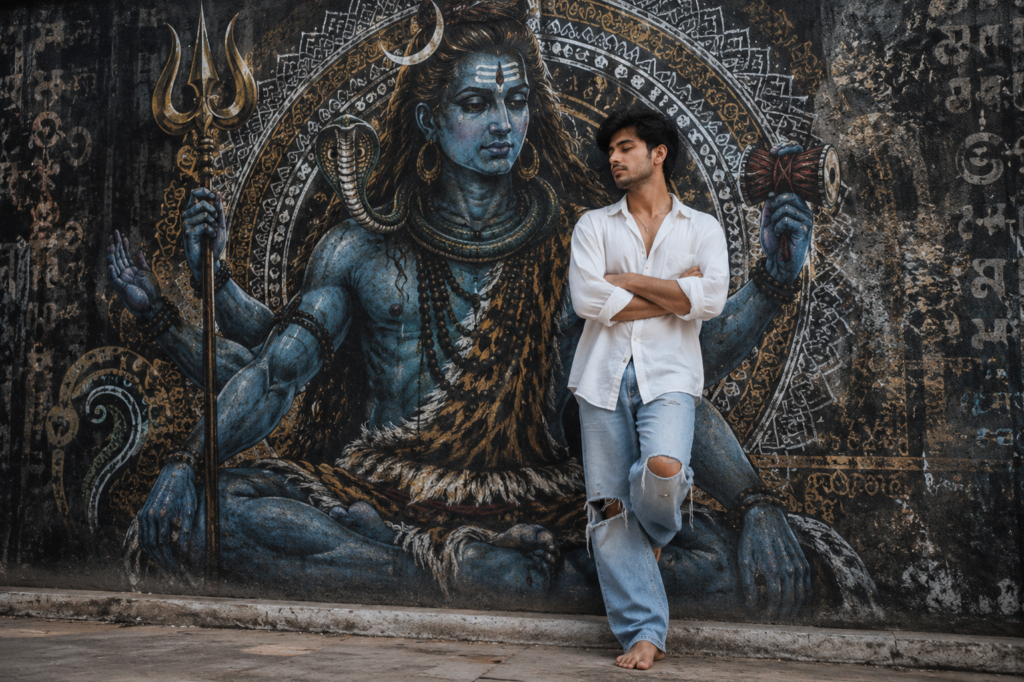
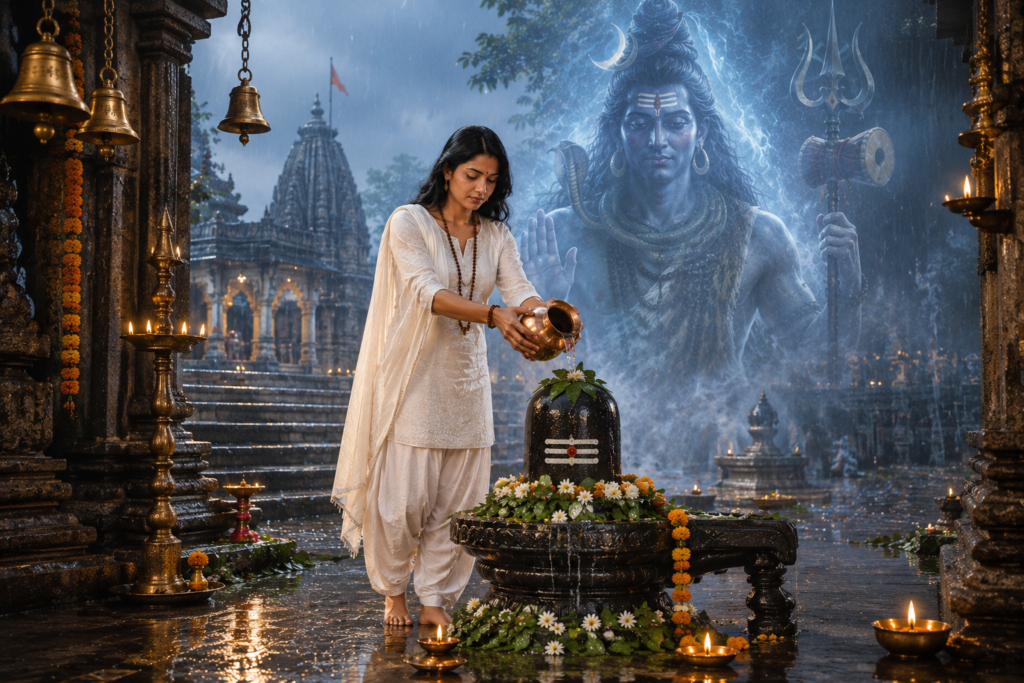
Prompt #2
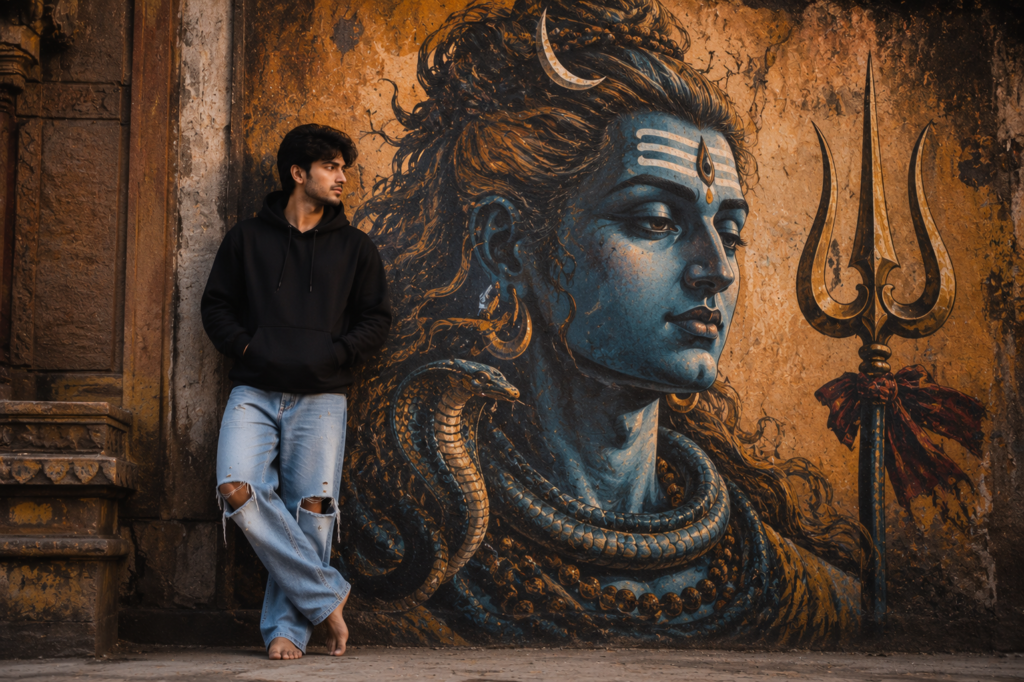
Prompt #3
Prompt #4
Prompt #5